

Controlling smartphones from a smartphone
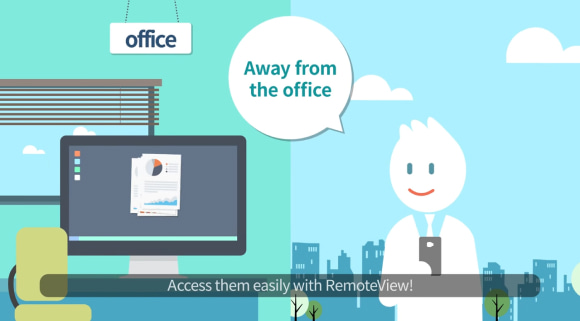
This video shows how to remotely control a smartphone from another mobile device, iOS/Android.
RemoteView on mobile offers a variety of features!
Virtual Mouse/Tap Select virtual mouse control or tap control method for convenient screen operation on mobile!
Virtual Mouse Control A virtual mouse is provided for fine control on the mobile screen!
Tap Control For quick control on mobile, use scroll, right-click, two-finger scroll, and two-finger tap!
Quick Menu Add or control smartphones’ frequently used programs from the quick menu for a more convenient remote control!
Frequently used shortcut keys Easily access shortcut keys frequently used on your PC by selecting from the menu.
Special keys PC’s special keys from the keyboard not available on the smartphone keypad can be pressed with a tap!
Download the app now and remotely control it with your mobile!
For Android
For iOS
Learn More
Related article
-

Why visit the store? You have RemoteView!
Introduction of RemoteView
-

Remote Desktop RemoteView
Introduction of RemoteView
-
Remote Control Solutions for Business
Introduction of RemoteView
-
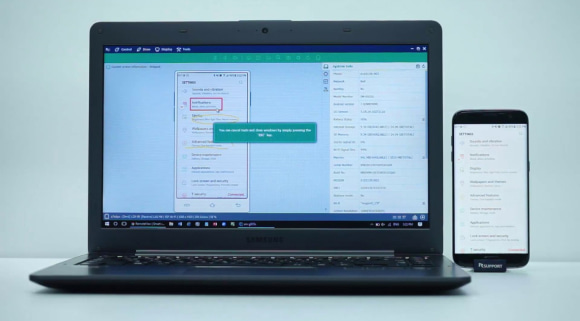
Controlling smartphones from my PC
Introduction of RemoteView
-
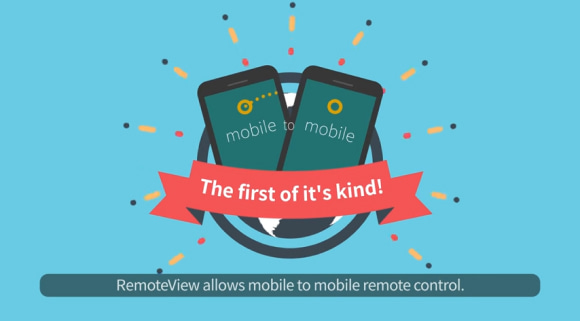
RemoteView Remote Control Mobile
Introduction of RemoteView
-
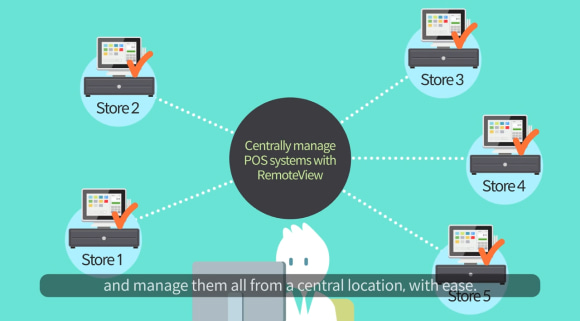
RemoteView Enterprise
Introduction of RemoteView
-
RemoteView Remote Control PC
Introduction of RemoteView
